
2FA Security Assessment Tool
Evaluate your 2FA security implementation against industry best practices. Check the boxes for the controls you have implemented to get your risk assessment.
Essential 2FA Controls
Select which security measures your organization has implemented:
Security Assessment Results
Recommendations
Recovery Steps
If compromised, immediately reset passwords, revoke existing session tokens, and re-enroll your 2FA methods.
Quick Takeaways
- Attackers bypass 2FA through password‑reset flaws, social engineering, AiTM proxies and automated tools like NecroBrowser.
- Human‑focused tricks such as MFA fatigue are often more successful than pure technical exploits.
- Strong prevention combines secure reset flows, hardware keys, zero‑trust architecture and regular user training.
- Monitoring for unusual login patterns and proxy traffic can stop many AiTM attacks early.
- Adopt adaptive authentication that weighs device, behavior and context, not just a single token.
What is Two‑Factor Authentication (2FA)?
Two-Factor Authentication (2FA) is a security method that requires users to prove their identity with two separate factors - something they know (like a password) and something they have (like a code sent to a phone) or something they are (biometrics). By adding a second barrier, 2FA reduces the chance that stolen credentials alone can grant access.
Despite its popularity across crypto wallets, exchange platforms and cloud services, 2FA is not invincible. Attackers have crafted a growing toolbox of bypass techniques that either sidestep the second factor or steal it in real time.
Top 2FA Bypass Techniques
Security researchers categorize bypass methods into five broad groups. Understanding each group helps you spot the gaps in your own defenses.
1. Password Reset Exploitation
Many services let users reset passwords via email or SMS links. If the reset flow does not re‑require the second factor, attackers can obtain a fresh password and walk straight into the account. This flaw is surprisingly common even on platforms that otherwise enforce strict 2FA.
2. Social Engineering
Humans are the weakest link. Attackers impersonate trusted brands - Google, Apple, or a bank - and ask victims to hand over their 2FA codes. The request might come via phone, text, or a convincing fake email. Once the code is disclosed, the attacker completes the login instantly.
3. Adversary‑in‑the‑Middle (AiTM) Proxies
AiTM attacks use a reverse proxy that sits between the victim and the legitimate site. The victim thinks they are on the real page, but the proxy captures credentials, 2FA tokens and authentication cookies. Tools such as NecroBrowser automate this process, making it accessible to low‑skill criminals.
4. MFA Fatigue (Prompt Bombing)
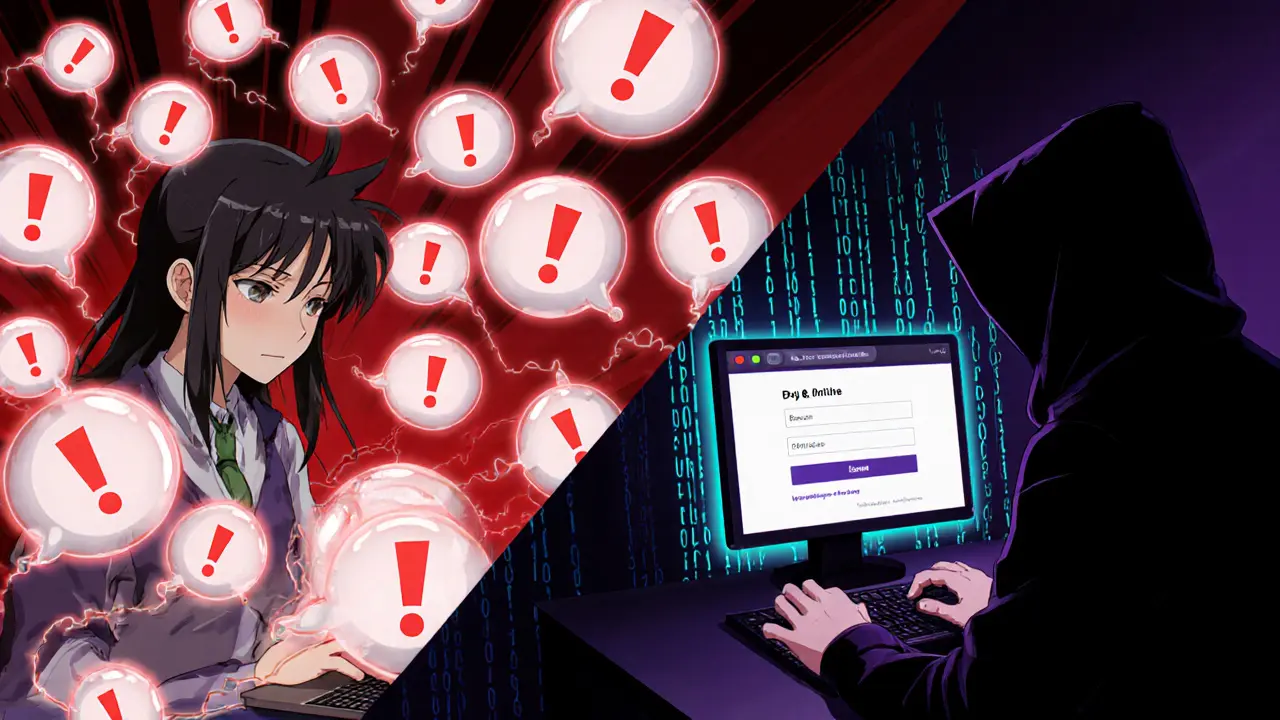
Attackers flood a user’s device with repeated push notifications or SMS codes until the user, annoyed or confused, approves a fraudulent request. This "prompt bombing" exploits the fact that many users treat push prompts as harmless alerts.
5. Session Hijacking & Token Theft
Even after a successful 2FA, a session cookie often remains valid for minutes or hours. By stealing that cookie - via malware, packet sniffing or a compromised endpoint - attackers can replay the session without facing another MFA challenge.
Tool Spotlight: Automated Bypass Utilities
Two tools have reshaped the landscape:
- NecroBrowser - a fully automated proxy that mirrors the target site, captures passwords and 2FA codes in real time, and forwards the traffic to the genuine server. Its ease of use means even novices can launch sophisticated phishing campaigns.
- Muraena - a framework that injects malicious JavaScript into login pages to steal OTPs and tokens, often deployed alongside classic phishing pages.
Both tools illustrate a key trend: the democratization of advanced attacks.
Endpoint‑Centric Attacks
When attackers gain a foothold on a user’s device, they can harvest cryptographic keys used by password‑less solutions like FIDO2/WebAuthn. Tools such as Okta Terrify extract encrypted key stores from compromised endpoints and replay authentication requests, effectively neutralizing the “phishing‑proof” claim of hardware‑based tokens.
Man‑in‑the‑browser Trojans also install hidden fields on login pages, silently capturing the one‑time codes the user types. Because the malicious code runs inside the trusted browser, traditional network‑based detection often misses it.
Preventing 2FA Bypass - A Dual‑Layer Approach
Stopping bypass attempts requires both technical hardening and human‑focused controls.
Technical Controls
- Enforce 2FA on every authentication path. Password‑reset flows, account recovery and API tokens must also demand the second factor.
- Deploy hardware security keys. Devices that use the U2F standard, such as YubiKey, are resistant to phishing because the key cryptographically binds the origin URL.
- Implement device binding. Tie the 2FA token to a specific device fingerprint, making it useless if intercepted on another device.
- Adopt zero‑trust architecture. Verify identity continuously, checking device posture, location, and behavior rather than a single login event.
- Use adaptive authentication. Leverage risk‑based engines that flag unusual login patterns - multiple failed attempts, rapid push prompts, or logins from new IP ranges.
User Education
- Train staff to recognize unsolicited requests for 2FA codes. Emphasize that no legitimate service will ask for a code via email or phone.
- Teach users to verify URL details before entering credentials, especially when a push notification appears.
- Run regular phishing simulations that include MFA prompts, so users experience the fatigue attack in a safe environment.

Building a Resilient 2FA Strategy - Checklist
| Area | Action | Verification Method |
|---|---|---|
| Password Reset | Require full 2FA on reset links | Audit reset endpoints quarterly |
| Push Notifications | Limit number of prompts per hour | Monitor alert logs for spikes |
| Hardware Tokens | Deploy U2F keys for privileged accounts | Confirm enrollment via admin console |
| Endpoint Security | Run EDR on workstations and mobile devices | Check for key‑exfiltration alerts |
| Adaptive Auth | Enable risk‑based challenge when anomalies detected | Review risk engine score thresholds |
Future Outlook - The Arms Race Continues
As MFA adoption climbs, attackers keep inventing new bypasses. Emerging trends include AI‑driven phishing that crafts personalized messages, and deep‑fake voice calls that coax users into speaking their codes. Organizations that rely solely on a single factor - even a hardware key - risk being outpaced.
Investing in continuous monitoring, regular security awareness refreshers, and layered authentication frameworks remains the best defense against the evolving threat landscape.
Frequently Asked Questions
Can I rely on SMS codes for 2FA?
SMS is vulnerable to SIM‑swap attacks and interception. For high‑value accounts, prefer authenticator apps, hardware tokens, or FIDO2 security keys.
What is the difference between MFA fatigue and a normal push notification?
MFA fatigue involves a rapid series of prompts that bombard the user, often dozens within minutes. A normal push appears sporadically and is usually tied to a single login attempt.
How can I detect an AiTM proxy attack?
Watch for mismatched certificate details, sudden changes in DNS resolution, or unusual latency. Security tools that inspect TLS certificates can flag rogue proxies.
Are hardware security keys truly phishing‑proof?
They are resistant because the key signs authentication data that includes the exact domain name. If a user is on a fake site, the signature fails, preventing phishing reuse.
What steps should I take after a suspected 2FA bypass?
Reset passwords immediately, revoke existing session tokens, re‑enroll your 2FA methods, and run a full security audit on the device that may have been compromised.
paul boland
October 21, 2025 AT 13:13Bert Martin
October 21, 2025 AT 21:56Ray Dalton
October 22, 2025 AT 20:59Peter Brask
October 23, 2025 AT 08:14Trent Mercer
October 23, 2025 AT 12:17Kyle Waitkunas
October 23, 2025 AT 15:19vonley smith
October 24, 2025 AT 05:08Melodye Drake
October 24, 2025 AT 15:28harrison houghton
October 24, 2025 AT 23:00DINESH YADAV
October 25, 2025 AT 22:04rachel terry
October 26, 2025 AT 04:51Susan Bari
October 26, 2025 AT 09:58Sean Hawkins
October 27, 2025 AT 04:59Marlie Ledesma
October 27, 2025 AT 11:53