
Imagine you are stuck in traffic, your phone dies, and suddenly you need to find the exact policy number for your home insurance. You know it is somewhere on your computer or maybe written down in that shared document folder you created three years ago. But finding it feels like searching for a needle in a haystack because everything is mixed together with vacation photos, grocery lists, and old receipts.
This is the reality for most households today. We treat our family’s most critical paperwork-mortgage statements, vehicle titles, birth certificates, and medical records-as if they were disposable drafts. We toss them into a shared Google Doc or a cloud folder that anyone can edit. It seems convenient until you realize that convenience comes at the cost of security, organization, and peace of mind.
The Hidden Risks of Using Standard Cloud Docs for Sensitive Data
When you store sensitive information in a standard collaborative tool, you are trading privacy for ease of access. These platforms are designed for teamwork on projects, not for safeguarding legal and financial identities. Here is why relying on them for your family’s core documents is a risky move.
- Lack of True Privacy: Even if you think you have restricted access, the platform providers often scan content for spam or advertising purposes. Your social security numbers and bank details are not truly private from the company hosting the file.
- Accidental Exposure: One wrong click can make a "private" folder public. There have been countless cases where families accidentally exposed their entire digital lives to strangers because a sharing setting was misconfigured.
- No Control Over Access Duration: If you give someone access to help with a mortgage application, they keep that access forever unless you manually remove them. You cannot set an expiration date or a specific condition for when they should be able to view the files.
- Fragile Organization: Files get renamed, moved, or deleted by mistake. Without a strict structure, important papers vanish into the digital void, leaving you scrambling when you need them most.
You deserve better than hoping no one makes a mistake. You need a system built specifically for protecting high-value data.
What Is a Digital Vault and Why Do You Need One?
A digital vault is a secure, encrypted repository designed to store sensitive personal documents and credentials with strict access controls. Unlike a standard cloud drive, a digital vault treats every file as a protected asset. It does not just store data; it guards it.
The concept is simple: you lock your most important items behind a key that only you hold. But modern digital vaults go further. They allow you to share specific keys with trusted people under specific conditions. This means your partner can access your emergency contacts if you are hospitalized, but they cannot see your investment portfolio unless you explicitly grant them that permission later.
This level of control is impossible with traditional file-sharing services. In a standard setup, you either share everything or nothing. A digital vault gives you granular control over who sees what, when they see it, and how long they can keep it.
How Decentralized Storage Protects Your Documents Forever
One of the biggest fears about storing digital copies of physical documents is: "What happens if the service shuts down?" If a company goes bankrupt or decides to discontinue its service, your files could disappear overnight. This is a real risk with centralized servers.
This is where decentralized storage is a method of storing data across a network of computers rather than a single server, ensuring durability and independence from any single entity. Instead of keeping your files on one corporate hard drive, decentralized systems break your files into encrypted chunks and distribute them across multiple nodes worldwide.
For example, Vaulternal uses a combination of technologies to ensure your documents outlast any single app or company. It leverages Arweave is a permanent storage protocol that allows users to store data indefinitely with a one-time fee for long-term preservation, IPFS is InterPlanetary File System, a peer-to-peer hypermedia protocol for storing and linking data for distribution, and Polygon is a blockchain network used here for anchoring metadata to verify file integrity without storing the actual content for verification. This means your documents are not held hostage by a single provider. Even if the original service interface changes, the underlying data remains accessible and intact.
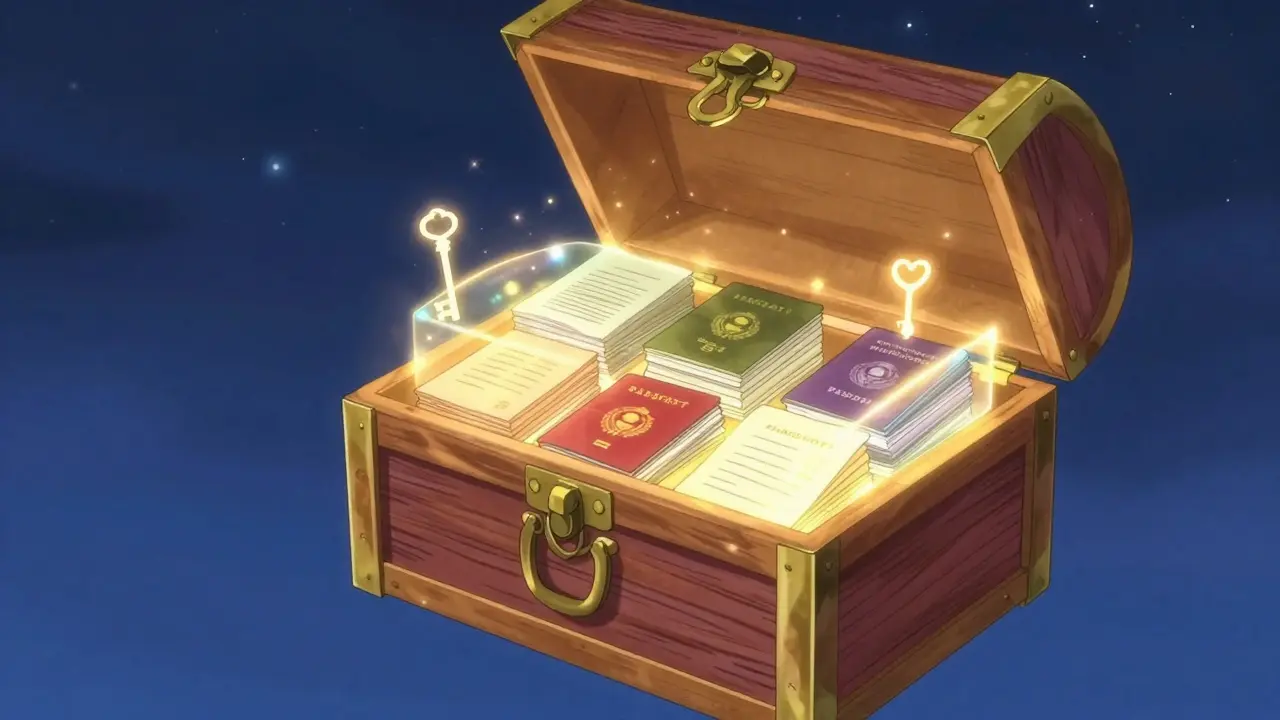
Client-Side Encryption: The Zero-Knowledge Promise
Encryption is the backbone of any secure storage solution. However, not all encryption is created equal. Many services encrypt your files on their servers, which means they hold the keys. If they lose the keys, or if a hacker breaches their database, your data is compromised.
Vaulternal operates on a zero-knowledge architecture is a security model where the service provider cannot access user data because encryption happens on the user's device before upload. Here is how it works in practice:
- Encryption on Your Device: When you upload a document, it is encrypted using AES-256-GCM right on your computer or phone. The raw file never leaves your device unencrypted.
- Chunking and Hashing: The encrypted file is broken into smaller pieces (chunks) and hashed for integrity checks. This ensures that even if someone intercepts a piece, they cannot reconstruct the whole document.
- Upload of Ciphertext: Only the scrambled, unreadable data is sent to the storage network. Vaulternal itself cannot read your documents, recover them without your keys, or view their contents.
This approach eliminates the risk of insider threats or server-side breaches. Your secrets stay yours, period.
Conditional Access Continuity: Sharing Without Losing Control
The true power of a modern digital vault lies in its ability to manage access dynamically. Life is unpredictable. You might travel overseas, undergo surgery, or simply be offline for a few days. During these times, a trusted person may need to locate a specific document for you.
Vaulternal solves this with an access trigger system is a feature that allows users to define specific conditions under which others can access shared documents. You can set up conditional access continuity for various scenarios:
- Time-Based Triggers: Share your house alarm codes and Wi-Fi passwords with a babysitter automatically on Friday evening, expiring Sunday morning.
- Inactivity Triggers: If you do not log in for 30 days, a designated contact receives temporary access to your mortgage statement in case bills need to be paid while you are unreachable.
- Manual Triggers: Grant a colleague access to a project folder for exactly 48 hours during a handover, then revoke it instantly.
You can change or cancel these conditions at any time before they trigger. This flexibility ensures that you maintain full control over your information while providing safety nets for emergencies.

Building Your Digital Household Binder
So, what should you actually put in your digital household binder? Start with the documents that cause the most stress when lost or misplaced. Here is a practical checklist:
| Category | Specific Documents | Why It Matters |
|---|---|---|
| Identity | Passports, Birth Certificates, Social Security Cards | Required for travel, school enrollment, and legal identification. |
| Financial | Mortgage Statements, Bank Account Numbers, Investment Summaries | Necessary for managing debts, loans, and financial planning. |
| Insurance | Homeowners, Auto, Health, and Life Insurance Policies | Critical for filing claims and verifying coverage during emergencies. |
| Legal | Vehicle Titles, Property Deeds, Power of Attorney Forms | Proof of ownership and authorization for major decisions. |
| Medical | Vaccination Records, Allergy Lists, Doctor Contacts | Essential for healthcare providers in urgent situations. |
Organize these into clear folders within your vault. Use consistent naming conventions so that anyone granted access can find what they need quickly. Remember, the goal is not just storage-it is accessibility when it counts.
Password Storage: Securing the Keys to Your Digital Life
Documents are only half the battle. What about the accounts associated with those documents? Your online banking portal, insurance login, and property management dashboard all require passwords. Storing these in a text file or a browser memory is dangerous.
Integrating password storage is the practice of securely saving login credentials in an encrypted format to prevent unauthorized access into your workflow is crucial. While Vaulternal focuses on document vaulting, the principle remains the same: use strong, unique passwords for every account and store them securely. Consider using a dedicated password manager alongside your document vault to ensure that if someone gains access to your papers, they still cannot log into your accounts without the separate credential layer.
Getting Started with Vaulternal
Transitioning from a chaotic shared doc to a structured, secure vault is easier than you think. Vaulternal offers a straightforward path to securing your family’s information.
You can start with the Free plan, which includes 2 GB of storage at no cost. This is enough space to digitize and protect the most critical documents listed above. No credit card is required to begin. As your needs grow, the Starter plan ($8.33/month billed annually) and Pro plan ($15/month billed annually) provide unlimited storage for larger archives.
To explore how this works for your household, visit the family documents page to see detailed examples of how other families organize their vital records. For technical details on how your data stays safe, check out the architecture overview.
Is Vaulternal safe from hackers?
Yes. Vaulternal uses client-side AES-256 encryption, meaning your files are locked before they leave your device. The company cannot read your data, and the decentralized storage model reduces the risk of a single point of failure being breached.
Can I share documents with multiple people?
Absolutely. Vaulternal supports multi-recipient sharing with per-recipient encrypted keys. You can decide exactly who gets access to which files and under what conditions.
What happens if I forget my password?
Because Vaulternal uses zero-knowledge encryption, there is no way to reset your password via email. It is critical to keep your recovery keys safe. If you lose both your password and keys, the data cannot be recovered by anyone, including Vaulternal.
Does Vaulternal replace a lawyer or estate planner?
No. Vaulternal is a document storage and sharing tool. It helps you organize and secure papers, but it does not provide legal advice or handle estate planning. Always consult professionals for legal matters.
How long will my documents stay available?
Vaulternal uses Arweave for permanent storage, which is designed to preserve data indefinitely. Combined with IPFS and Polygon for redundancy, your documents are built to last beyond the lifespan of any single app or company.